Gost - 2024
Prerequisites Link to heading
- Cloud Virtual Machine, providered by AWS&Azure&Google Cloud, etc
- own a domain name, which can be registered from Cloudflare & Godaday, etc
Set up GOST and config Server Link to heading
Assume your server’s public ip is 1.2.3.4.
connect to your VM
ssh root@1.2.3.4
Install GOST Link to heading
more detail can be found https://latest.gost.run/
sudo snap install go --classic
git clone https://github.com/go-gost/gost.git
cd gost
sudo bash install.sh
please pick up the latest by typeing the number
Quick verify service Link to heading
gost -L http://:8080
then you will see
{"handler":"http","kind":"service","level":"info","listener":"tcp","msg":"listening on [::]:8080/tcp","service":"service-0","time":"2024-05-15T02:05:04.697Z"}
Apply and config TLS certs Link to heading
Install acme.sh Link to heading
curl https://get.acme.sh | sh -s email=my@example.com # change it with your email
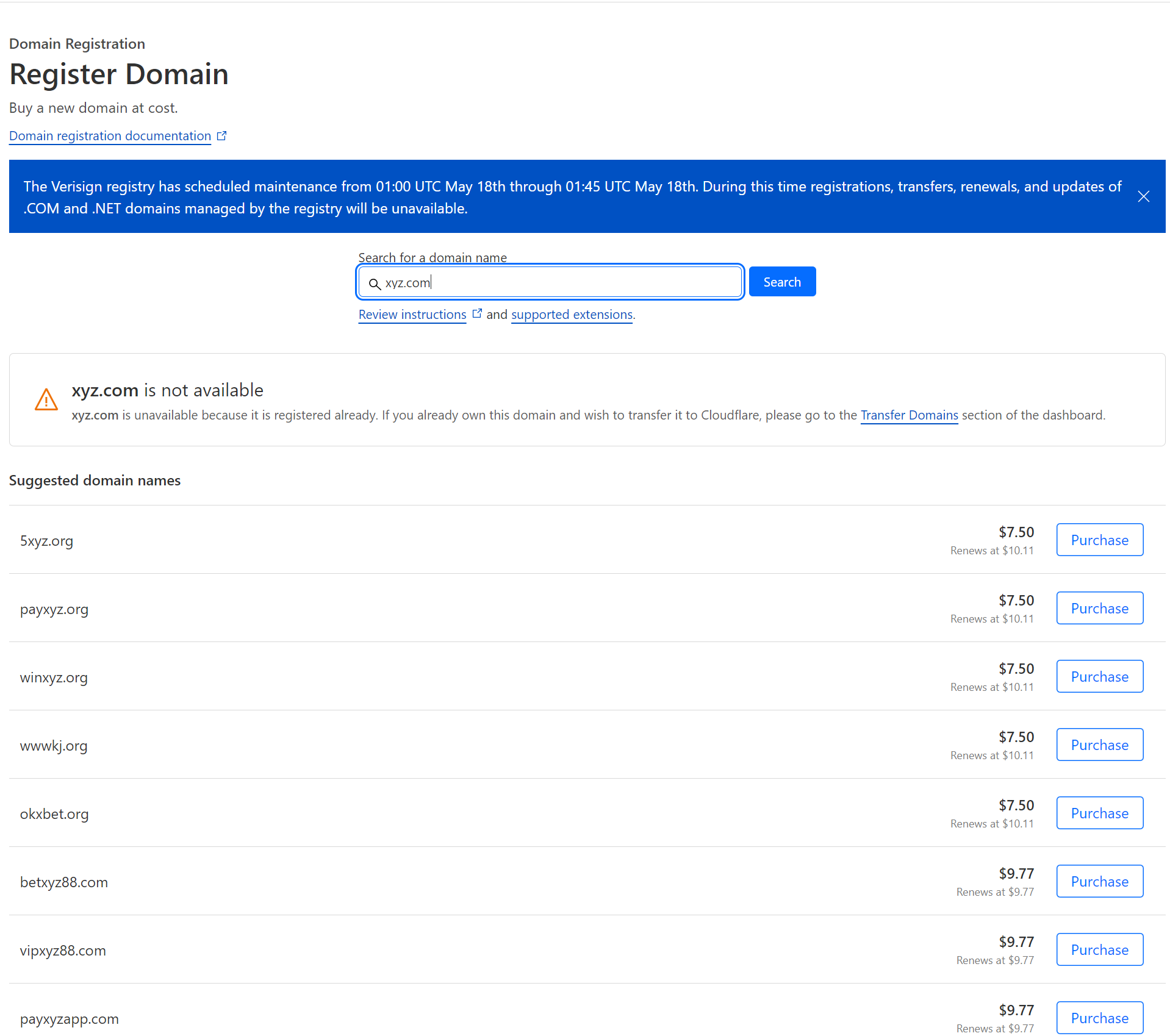
Register domain from Cloudflare Link to heading
Issue a cert Link to heading
Assume your domain is xyz.com,
Config CF_Token&CF_Account_ID&CF_Zone_ID Link to heading
Please follow the steps in https://github.com/acmesh-official/acme.sh/wiki/dnsapi#dns_cf
export CF_Token="your token"
export CF_Account_ID="your account id"
export CF_Zone_ID="your zone id"
Request certs Link to heading
acme.sh --issue -d xyz.com -d '*.xyz.com' --dns dns_cf --server letsencrypt
Install certs to destination folder Link to heading
mkdir certs
mkdir certs/xyz.com
acme.sh --install-cert -d xyz.com --key-file  /home/azureuser/certs/xyz.com/key.pem  --fullchain-file /home/azureuser/certs/xyz.com/cert.pem --ecc
Create GOST config file Link to heading
vi gost.yaml
copy&paste the following content
services:
- name: service-0
  addr: ":443"
  handler:
    type: http
    auth:
      username: a-username
      password: a-strong-password
    metadata:
      knock: www.google.com
      probeResistance: code:404
  listener:
    type: tls
    tls:
      certFile: "/home/azureuser/certs/xyz.com/cert.pem"
      keyFile: "/home/azureuser/certs/xyz.com/key.pem"
test the config file
sudo gost -C gost.yaml
Run GOST as a sysytem service Link to heading
sudo vi /etc/systemd/system/gost.service
add the following content
[Unit]
Description=GO Simple Tunnel
After=network.target
Wants=network.target

[Service]
Type=simple
ExecStart=/usr/local/bin/gost -C /home/azureuser/gost.yaml
Restart=always

[Install]
WantedBy=multi-user.target
config sysmtem service
sudo systemctl enable gost
sudo systemctl start gost
sudo systemctl status gost